
Building a practical homework profile that leaves school tools available while reducing distractions. In my household, that means looking at how to set up parental controls on a tablet as a practical family system rather than a pile of settings. I am Lydia Carver, a Portland mom and former elementary-school-district library technology coordinator, and I test family technology in the middle of normal life: homework, breakfast, charging cables, forgotten passwords, and the occasional child who discovers a setting I thought nobody would notice. The goal is not to make technology disappear. It is to make the important decisions easier to understand and maintain. Safer, saner, and still within the family budget.
Homework Mode Should Block Distractions, Not Learning
What I Look For
The useful goal when you learn how to set up parental controls on a tablet is not to make the tablet unusable. It is to create a temporary environment where the child can reach the tools needed for school without being pulled toward entertainment.
I build homework mode around the actual assignments. If Ava needs a browser, reading app, calculator, and school platform, those tools stay available. Games and social entertainment can be limited during the routine.
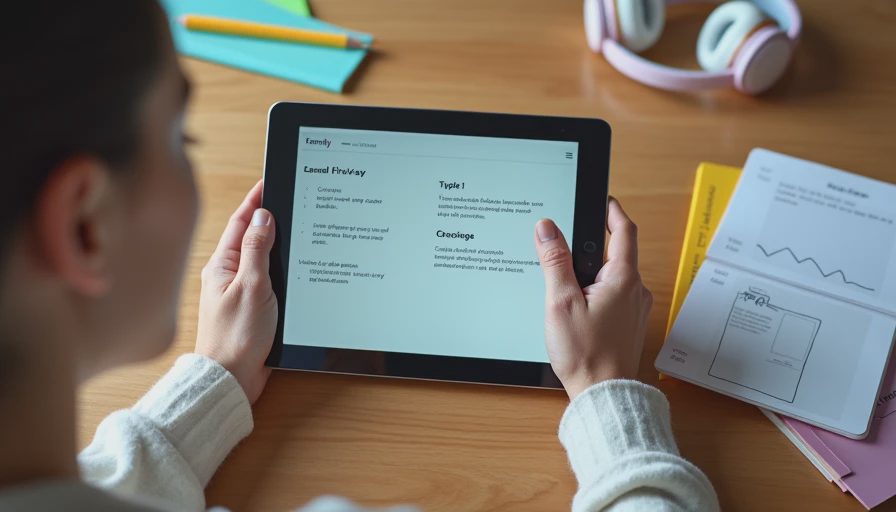
Build It in Five Passes
A one-hour setup is realistic if you avoid changing unrelated settings at the same time.
List the apps and sites the child needs for normal homework.
Review the tablet's child account and parental controls.
Set the homework schedule or app limits.
Test every required school tool from the child's side.
Ask the child to complete a small real assignment while you watch for problems.
That final test is important. Parents often verify that a control blocks something but forget to verify that the control still permits something useful.
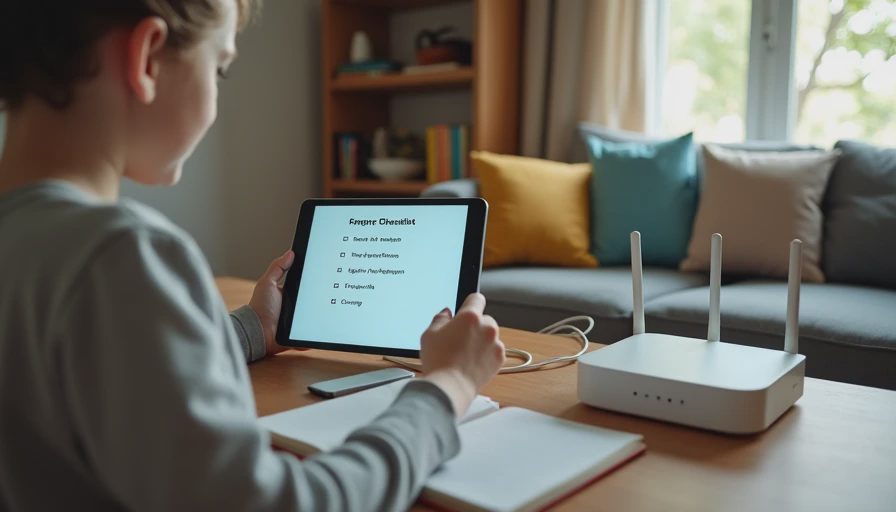
Leave an Escape Hatch for Real Problems
The Household Reality
A homework mode needs an adult override process. If a teacher assigns a new website at 4:30 p.m., the family should have a simple way to approve it without disabling every restriction.
I also keep the rule separate from punishment. Homework mode is a routine, not a consequence. That distinction makes it easier for a child to see the tablet as a tool rather than something that is constantly being taken away.
Here is the setting that matters: the child should be able to explain what homework mode does, what it allows, and how to ask for a legitimate exception.
A Simple Way to Keep It Working
The final test is whether the setup survives an ordinary Tuesday. A family technology system should still make sense when a child is late for school, a parent is answering a work message, a charger has disappeared, and somebody needs a school website that was not on yesterday’s list. That is why I prefer small, documented changes over dramatic lockdowns.
For a monthly review, I return to the same questions: what changed, which devices are still in use, which accounts need attention, and which rule is causing unnecessary friction? If a control creates more work than value, I investigate whether the setting can be simplified. If a privacy choice is unclear, I look for the provider’s current documentation before making a decision. I do not assume that a feature works the same way across every device or account.
Jonah often provides the final test. If he can follow the setup without asking me where a setting lives, the system is probably understandable enough for our family. That is a modest standard, but it is useful. Parents should not need to become full-time IT administrators just to create reasonable boundaries at home.
If your household is anything like mine, someone will try to bypass this. Treat that moment as information. It may reveal a weak setting, an unclear rule, or simply a child who is curious. Fix the actual problem, explain the reason for the boundary, and move on. The goal is a workable family system, not a technology contest.
Before You Change Anything
One habit has made my testing much more useful: I write down the current behavior before I touch a setting. If the issue is slow Wi-Fi, I note where it happens and which devices are affected. If the issue is a bedtime conflict, I write down the actual routine rather than my ideal routine. If the issue is privacy, I record the permission or account choice that raised the question. This gives me something concrete to compare after the change.
I also avoid changing several variables at once. When three settings change together, it becomes difficult to know which one helped and which one created a new problem. One calm change followed by a real-life test usually produces more useful information than a long afternoon of configuration.
For families, maintenance is part of the decision. Ask who will update the device, who will approve exceptions, who can recover the account, and who will know what to do when the child gets a new tablet. Those questions are not technical trivia. They determine whether the system remains useful after the setup day.



No comments yet — be the first to share a thought.