
Practical router placement and troubleshooting for ordinary houses. In my household, that means looking at family Wi-Fi setup guide as a practical family system rather than a pile of settings. I am Lydia Carver, a Portland mom and former elementary-school-district library technology coordinator, and I test family technology in the middle of normal life: homework, breakfast, charging cables, forgotten passwords, and the occasional child who discovers a setting I thought nobody would notice. The goal is not to make technology disappear. It is to make the important decisions easier to understand and maintain. Safer, saner, and still within the family budget.
Placement Can Matter More Than Buying New Gear
What I Look For
Before replacing a router, check where it lives. A family Wi-Fi setup guide should begin with placement because a capable router cannot create a clean wireless path through every wall, cabinet, and floor. In many homes, the router gets shoved next to the modem, which may be located in a corner, closet, or utility area that happens to be terrible for coverage.
I look for a central, open location away from large metal objects and obvious sources of interference. That does not mean the router must sit in the middle of the living room. It means I stop treating the provider’s cable jack as the ideal network location.

Three Placement Problems I See Repeatedly
These are the first things I check when a family says Wi-Fi is unreliable:
The router is inside a closed cabinet or behind large furniture.
The router is pushed into a far corner of the home.
A second network device is placed without a clear plan, creating confusing coverage or naming.
The right fix depends on the house. Sometimes moving the router costs nothing and helps immediately. Sometimes a mesh system makes sense because the home layout creates a genuine coverage problem. Sometimes the problem is not Wi-Fi coverage at all and needs a different diagnosis.
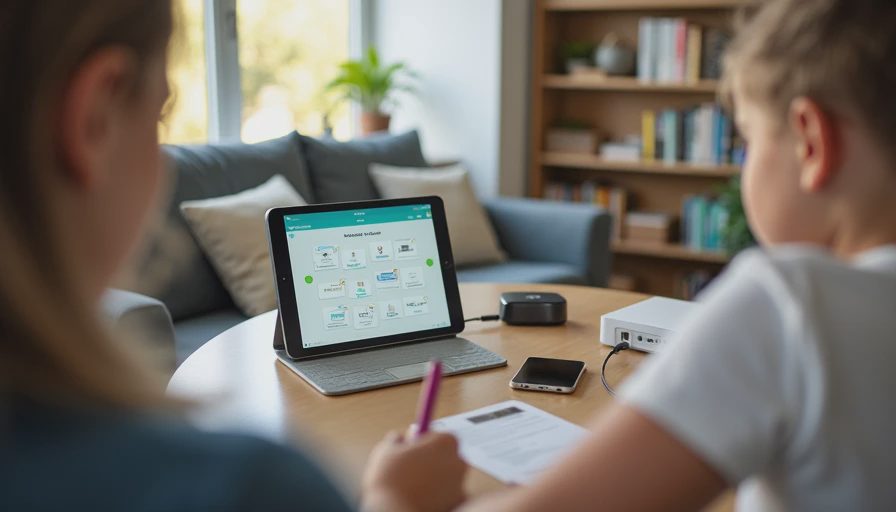
Test Before You Spend
The Household Reality
I test from the places the family actually uses: the kitchen table, children's bedrooms, the couch, and wherever homework happens. I do not care whether a phone gets a great signal in a room nobody enters.
For families learning how to secure home Wi-Fi with kids, I also separate coverage from security. Better signal does not automatically mean better security. Security starts with router administration, current firmware, strong credentials, and sensible network settings.
My rule is simple: change one thing, test it, and record what happened. It is less exciting than buying a box, but it makes troubleshooting much easier.
A Simple Way to Keep It Working
The final test is whether the setup survives an ordinary Tuesday. A family technology system should still make sense when a child is late for school, a parent is answering a work message, a charger has disappeared, and somebody needs a school website that was not on yesterday’s list. That is why I prefer small, documented changes over dramatic lockdowns.
For a monthly review, I return to the same questions: what changed, which devices are still in use, which accounts need attention, and which rule is causing unnecessary friction? If a control creates more work than value, I investigate whether the setting can be simplified. If a privacy choice is unclear, I look for the provider’s current documentation before making a decision. I do not assume that a feature works the same way across every device or account.
Jonah often provides the final test. If he can follow the setup without asking me where a setting lives, the system is probably understandable enough for our family. That is a modest standard, but it is useful. Parents should not need to become full-time IT administrators just to create reasonable boundaries at home.
If your household is anything like mine, someone will try to bypass this. Treat that moment as information. It may reveal a weak setting, an unclear rule, or simply a child who is curious. Fix the actual problem, explain the reason for the boundary, and move on. The goal is a workable family system, not a technology contest.
Before You Change Anything
One habit has made my testing much more useful: I write down the current behavior before I touch a setting. If the issue is slow Wi-Fi, I note where it happens and which devices are affected. If the issue is a bedtime conflict, I write down the actual routine rather than my ideal routine. If the issue is privacy, I record the permission or account choice that raised the question. This gives me something concrete to compare after the change.
I also avoid changing several variables at once. When three settings change together, it becomes difficult to know which one helped and which one created a new problem. One calm change followed by a real-life test usually produces more useful information than a long afternoon of configuration.
For families, maintenance is part of the decision. Ask who will update the device, who will approve exceptions, who can recover the account, and who will know what to do when the child gets a new tablet. Those questions are not technical trivia. They determine whether the system remains useful after the setup day.



No comments yet — be the first to share a thought.