If I screenshot someone's instagram post, Instagram generally does not send that person a notification. That applies to ordinary feed posts, photos, carousels, Reels, profiles, and usually Stories. I have tested this with the low-stakes material available in a normal family account, and the result is refreshingly boring: no pop-up, no dramatic red alert, and no message saying, “Aha, Lydia saved your picture.”
That answer needs a few important footnotes, because Instagram treats disappearing messages differently from permanent posts. A screenshot can be private in one part of the app and visible to the other person in another. Here is the setting that matters: whether the image or video is designed to disappear after viewing.
What happens when you screenshot a regular post?
If I screenshot someone's instagram post from the main Instagram feed, the creator is not normally notified. The same is generally true if you screenshot a public or private account's profile, a standard photo, a carousel, a caption, comments, or a regular Reel. Instagram does not provide a list showing who captured those items.
The account's privacy setting still matters for access. If the account is private, only approved followers can view its posts, but a screenshot does not make the original post public. It does mean the captured image now exists outside Instagram, potentially in your camera roll, cloud backup, messages, or a child's tablet. Privacy does not end when the app stops sending notifications.
A screenshot also does not give you ownership of the content. Saving a funny craft idea for your own family is different from reposting somebody else's photograph, using it in an advertisement, or sending it around school-parent group chats. When in doubt, ask before sharing. A two-second permission message is cheaper than a very awkward explanation later.
Stories are usually quiet, but disappearing media is different
If I screenshot someone's instagram post that appears as a normal Story, the person usually will not receive a screenshot alert. Instagram experimented with Story screenshot notifications in the past, which is why many parents still remember the old warning. At present, ordinary Story screenshots are generally not announced to the creator.
Direct messages are where the rules become more selective. If someone sends a normal photo or video in a chat that stays in the conversation, a screenshot typically does not trigger the same warning. However, a disappearing photo or video marked for one-time viewing or limited replay can produce a notification when captured. Vanish Mode messages can also show screenshot activity to participants in the chat.
Instagram can change features by account, app version, or test group, so I would not treat a screenshot as a guaranteed secret. The safest habit is simple: if the sender clearly intended something to disappear, assume capturing it could be noticed and could violate their expectations.
A quick family example
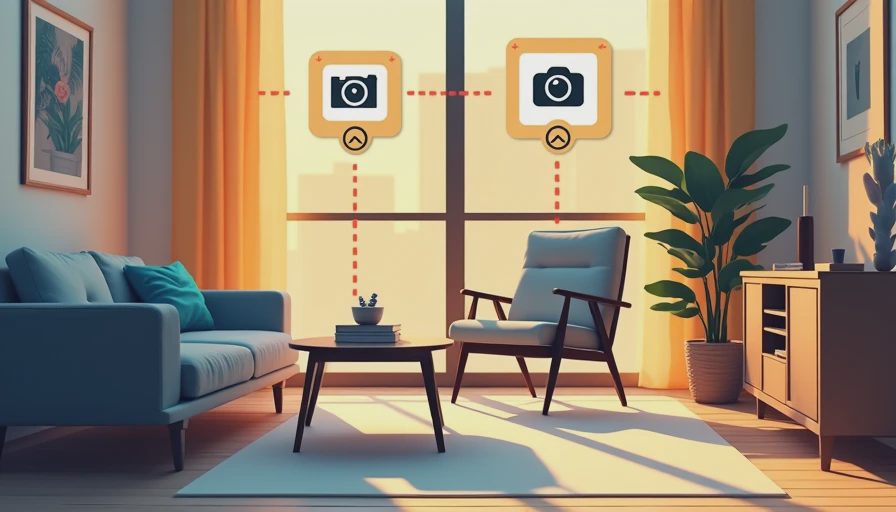
Suppose your child sees a public post with instructions for making a cardboard marble run. If I screenshot someone's instagram post so we can build it after school, that is a practical use of the phone's camera roll. Your child can refer to the picture without repeatedly opening Instagram, and you can delete it once the project is finished.
Now change the example. A classmate sends your child a disappearing selfie and says, “Do not save this.” Taking a screenshot is no longer just a technical question. It is a trust question, and the app's warning is there for a reason. Even if a notification fails, the other person could still learn about it through a conversation, a shared device, or a later message.
For younger children, I explain screenshots as copying, not as a harmless button press. Copying a recipe is usually fine. Copying a private joke, embarrassing picture, or personal message can hurt someone. That explanation works better in our house than a long lecture about digital footprints while Miles is already reaching for the next glowing button.
How to check whether a message can disappear
Before capturing anything from a direct message, look at the way it was sent. A normal image that remains visible in the chat is different from a photo labeled for one view or a disappearing message thread. Vanish Mode may change the chat appearance and indicate that messages disappear after they are seen or when the chat closes.
You should also check whether the account is using an updated Instagram app. Menus move, labels change, and Instagram sometimes tests features with a small percentage of users. If a screenshot warning appears in the conversation, take it seriously. Do not assume it is a glitch simply because regular posts do not generate the same alert.
Parents can practice this with a low-risk family chat. Have an adult send a normal picture, a disappearing picture, and a message in the relevant mode. Take notes about what the app displays, then remove the test images. This takes five minutes and teaches more than a mysterious rule repeated from a search result.
What to do if you already took the screenshot
If I screenshot someone's instagram post accidentally, I first check what I captured and where it went. On an iPhone, open Photos and review the recent items. On Android, check Google Photos or the device gallery. Look in the trash or recently deleted folder if you want the file removed immediately, because deleting an image does not always erase it from every backup at once.
If the image came from disappearing media, be honest if the sender asks. Do not forward it, crop out a username and repost it, or use editing tools to make the subject look foolish. If the screenshot includes a child, private conversation, school detail, home address, or medical information, delete it and avoid placing it in a shared family album.
For a family device, review automatic photo syncing. Apple Photos with iCloud, Google Photos, Amazon Photos, and similar services can move screenshots to other signed-in devices. Here is the setting that matters: shared albums and family accounts. A screenshot intended for one parent should not casually appear on a tablet used by several children.
Practical privacy settings for parents
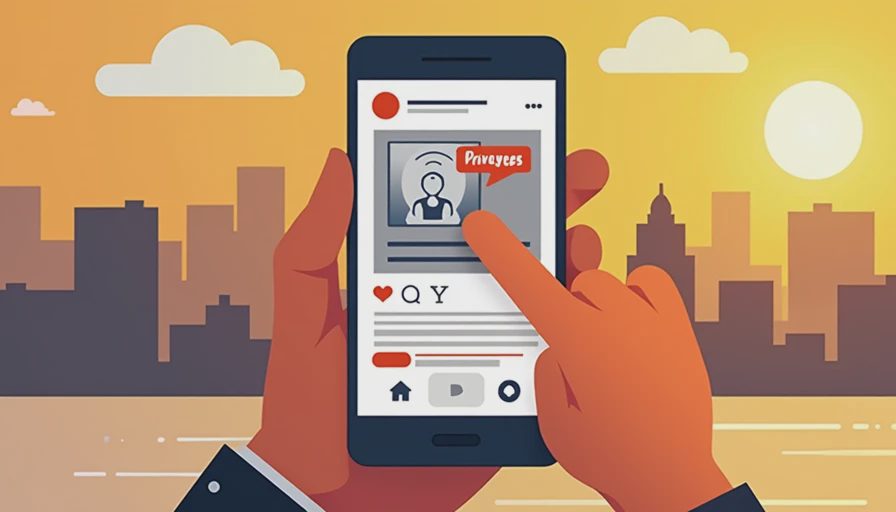
Instagram's privacy controls cannot prevent every screenshot, but they can reduce who sees the original material. A private account limits posts to approved followers. Review followers every few months, especially after a child changes schools or stops knowing someone. Turn off activity indicators if your family does not need them, and restrict message requests from unknown accounts.
For a child's account, talk through tagging, mentions, and resharing before a problem occurs. The goal is not to make every screen interaction feel suspicious. It is to create a pause: Who posted this? Who could receive my copy? Would I be comfortable if the original creator saw what I did?
Families that want fewer surprises can use built-in iPhone Screen Time or Android Family Link tools to set app time limits and review downloads. These tools will not identify every screenshot, and they should not become secret surveillance. Use them alongside a clear rule that private disappearing media is never copied without permission.
The simple answer
If I screenshot someone's instagram post from a normal feed, profile, Reel, or ordinary Story, Instagram generally does not notify the creator. Disappearing photos, one-time media, and Vanish Mode are the exceptions to treat carefully because screenshot activity can be visible in the chat.
The safest family rule is easy to remember: permanent public content is not automatically yours to redistribute, and disappearing private content should stay disappearing. Save useful ideas respectfully, ask before sharing personal images, and check the message mode before pressing the buttons. That approach keeps household technology safer, saner, and still within the family budget.


No comments yet — be the first to share a thought.